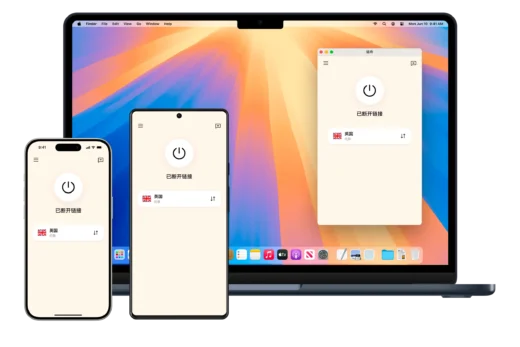
Why Cloudflare-Based Nodes Stand Apart from Traditional Solutions
For anyone seeking a genuinely long-term free proxy solution, a Cloudflare-based setup has become one of the most compelling options available in 2026. Three qualities define it above all else: it costs nothing, it stays stable, and it delivers fast speeds. Unlike conventional approaches that require renting servers or paying ongoing fees, this method demands zero infrastructure cost — even the domain name can be obtained for free. The entire setup, from scratch to a fully working node, takes roughly ten minutes. Because the solution is built on top of Cloudflare’s global network infrastructure, its stability and availability far exceed the typical temporary or unreliable nodes that have plagued users in the past.
Compared to earlier methods that were complex, prone to breaking down, and required frequent maintenance, this approach functions as a lightweight, long-term solution: build it once, use it indefinitely, and invest almost no ongoing effort. It is particularly well-suited to individual users or light-usage scenarios.
Step-by-Step Deployment Guide
Registering a Free Permanent Domain Name
The first requirement is a permanently free domain name. Two registration platforms are available for this purpose. After registering and logging in, users can claim up to five permanently free domain names. Choosing root domains such as ccwu.cc or us.ci results in no cost whatsoever.
Hosting the Domain on Cloudflare
Once a free domain is secured, the next step is creating a Cloudflare account at cloudflare.com and adding the domain there. Cloudflare will manage DNS for the domain going forward, which is essential for the node configuration that follows.
Creating a KV Namespace
Inside the Cloudflare dashboard, navigate to Storage and Databases → Workers KV and create a new KV namespace. This storage space will be connected to the deployment later and is required for the system to function correctly.
Deploying via Cloudflare Pages
Within the Cloudflare dashboard, go to Workers and Pages, then select the option to create a new Pages project. The next step involves uploading the open-source program developed by CMliu, whose source code is publicly available on GitHub under the edgetunnel repository. A dedicated Pages installation package (main.zip) can be downloaded directly and uploaded to the Pages project.
Configuring Environment Variables
After deployment completes, click Continue to site, then navigate to Settings → Environment Variables → Define variables for production environment → Add variable. Set the variable name to ADMIN and the value to your chosen administrator password, then save. Return to the Deployments tab, click Create new deployment, re-upload main.zip, and click Save and deploy.
Binding the KV Namespace
Still within the Settings tab, go to Bindings → + Add → KV Namespace. Select the namespace created earlier, set the variable name to KV, save, and redeploy.
Assigning a Custom Domain via CNAME
In the Pages console under the Custom Domains tab, click Set up a custom domain and enter your subdomain (not the root domain). For example, if your assigned domain is lingdujieshuo.ccwu.cc, enter exactly that. Following Cloudflare’s instructions, add a CNAME record pointing to edgetunnel.pages.dev at your DNS provider, then click Activate domain.
Accessing the Admin Panel
Once the domain is active, access the admin backend at https://your-custom-domain/admin and log in using the administrator password set earlier. From here, the node subscription link or adaptive subscription address can be copied and imported into any compatible proxy client.
Core Features of the CMliu EdgeTunnel Solution
Protocol and Encryption Support
The system supports mainstream proxy protocols including VLESS and Trojan, with deep integration of encrypted transmission. This ensures secure, high-performance tunneling through Cloudflare’s infrastructure.
Built-In Visual Management Panel
An integrated backend panel allows real-time configuration changes, log inspection, and traffic statistics — all without touching configuration files manually.
Flexible Deployment Options
The solution fully supports both Cloudflare Workers and Cloudflare Pages (via GitHub or direct upload), giving users multiple paths to deploy depending on their preference.
Automatic Subscription Generation
A built-in subscription system automatically generates and obfuscates subscription links compatible with all major proxy clients, including Clash, Sing-box, and Surge.
Performance and Latency Optimization
Users can configure custom ProxyIP addresses, SOCKS5/HTTP chain proxies, and priority-selection APIs to reduce network latency and optimize throughput.
Cross-Platform Compatibility
The solution works seamlessly across Windows, Android, iOS, macOS, and various soft-router firmware environments.
Importing Nodes into a Proxy Client
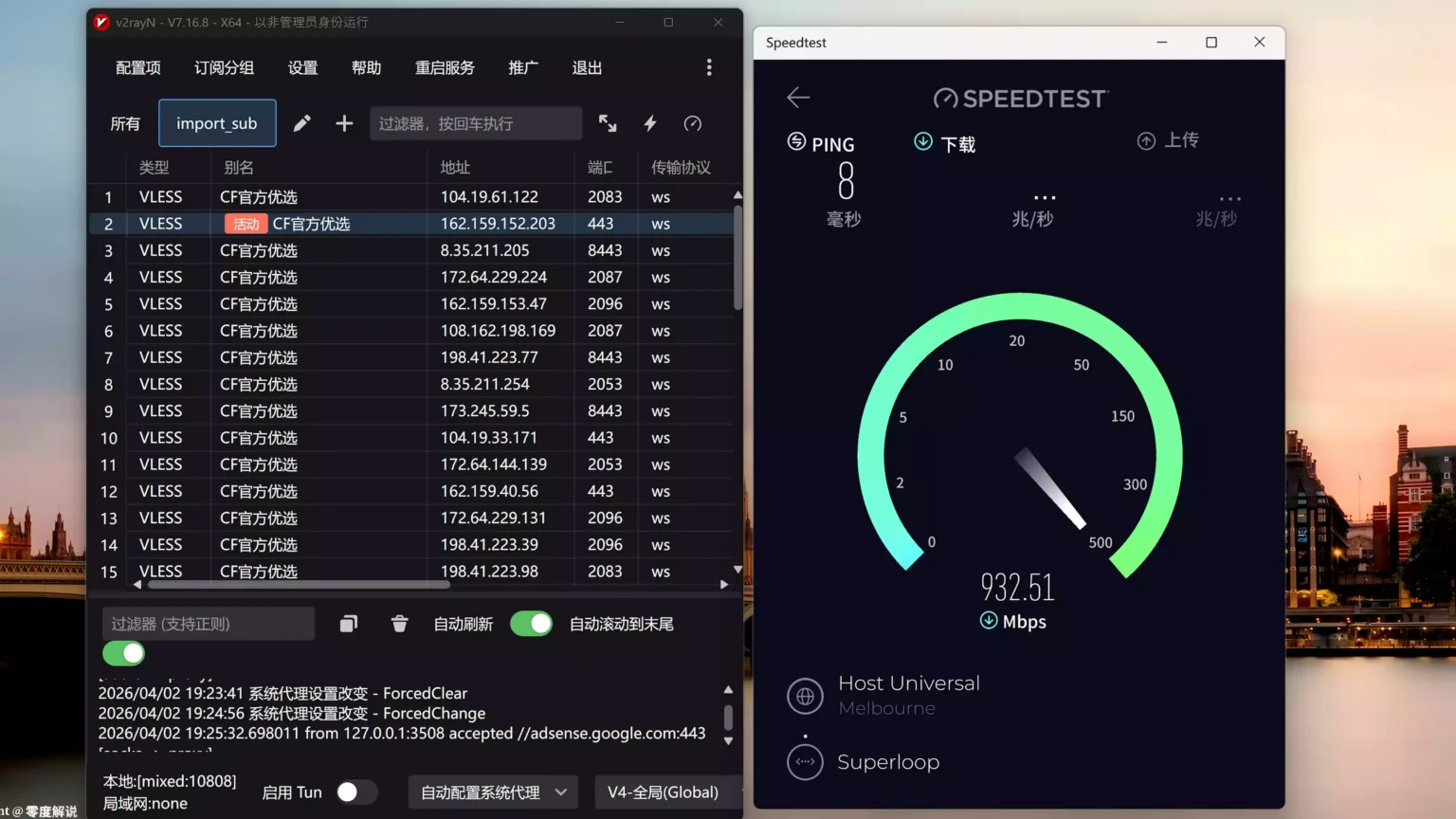
After completing setup, the generated subscription link can be imported into any VLESS-compatible client. V2RayN is one widely used open-source option, available at the v2rayN GitHub repository. Simply import the subscription address, and the Cloudflare node becomes immediately usable.
Advanced Configuration: Optimized Subscription and ProxyIP Addresses
For users who want greater control, the admin panel includes an advanced section accessible by selecting the “I’m a pro user” option. The following optimized subscription addresses are available for use:
Optimized Subscription Addresses:
Cm.Soso.Edu.KgSub.Cmliussss.NetOwo.O00o.Ooo
ProxyIP Subscription Addresses by Region:
- United States:
ProxyIP.US.CMLiussss.Net - Singapore:
ProxyIP.SG.CMLiussss.Net - Japan:
ProxyIP.JP.CMLiussss.Net
These options allow users to route traffic through geographically targeted proxy IPs, further improving speed and accessibility for services like ChatGPT and Gemini.
Q&A
Q: Does this method require any paid server or hosting costs? A: No. The entire solution runs on Cloudflare’s free tier. The Workers/Pages platform, KV storage (within free limits), and even the domain name can all be obtained at zero cost, making this genuinely free for personal and light-use scenarios.
Q: Which proxy clients are compatible with the generated subscription links? A: The subscription system is compatible with all major clients, including Clash, Sing-box, Surge, and V2RayN. It supports VLESS and Trojan protocols, covering Windows, Android, iOS, macOS, and soft-router environments.
Q: How stable is this solution compared to traditional free nodes? A: Because it relies on Cloudflare’s global network — one of the largest and most reliable CDN infrastructures in the world — stability is significantly higher than conventional temporary nodes. Once deployed, the setup requires virtually no maintenance and remains usable indefinitely without reconfiguration.